
Import
Bring in what your machine already has.
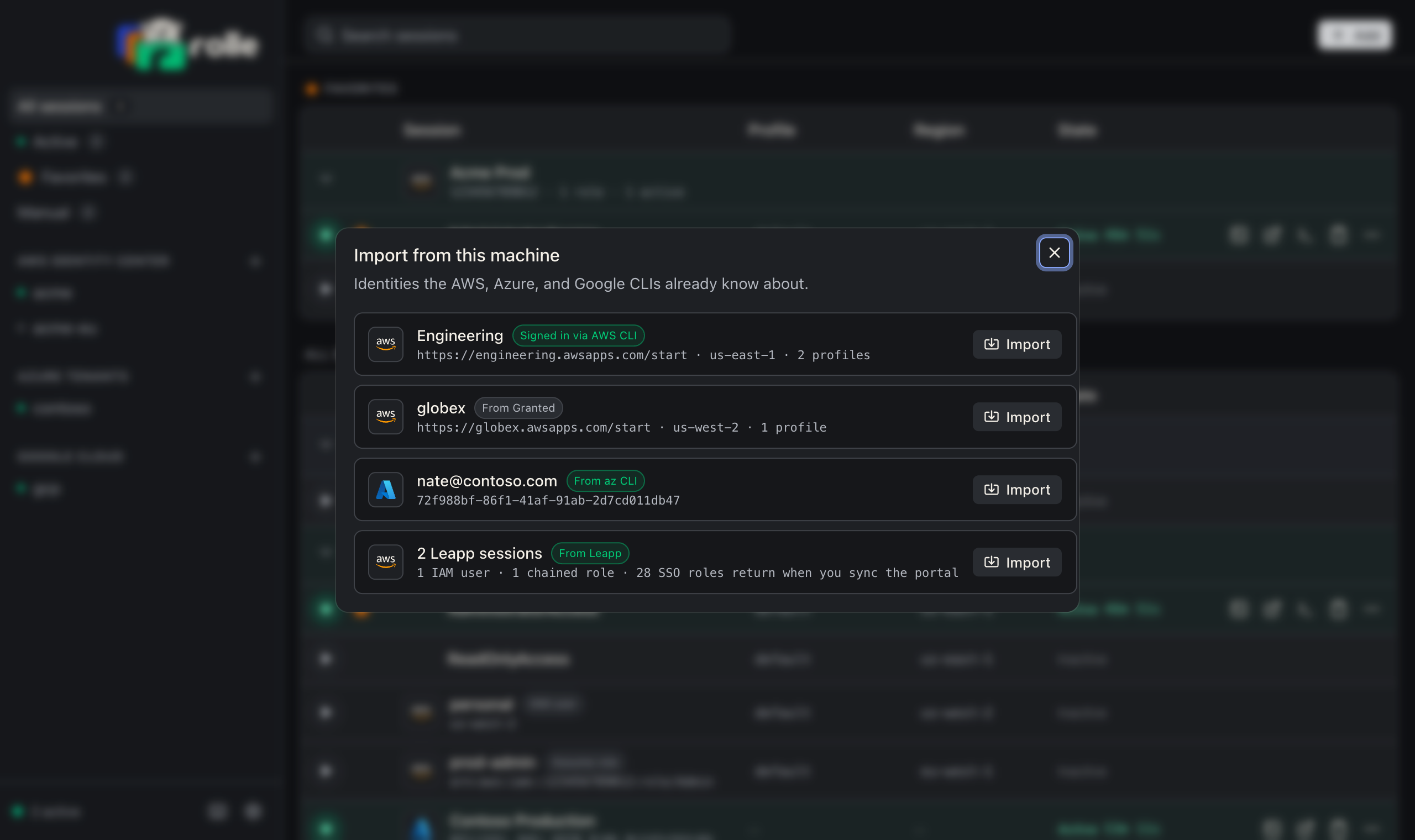
Add → Import from this machine scans local tool state. Pick the items to import.
| Source | What rolle reads | Result |
|---|---|---|
| AWS CLI | ~/.aws/config sso-session and legacy sso_start_url sections |
Identity Center portals. rolle reuses a valid token in ~/.aws/sso/cache |
| Granted | Profiles with granted_sso_* keys or a Granted credential_process |
Identity Center portals |
| az CLI | azureProfile.json |
Azure tenants |
| gcloud | Application Default Credentials | A Google Cloud integration |
| Credentials file | ~/.aws/credentials sections with an access key |
IAM user sessions |
rolle treats portals that differ only by a trailing slash as one.
IAM users
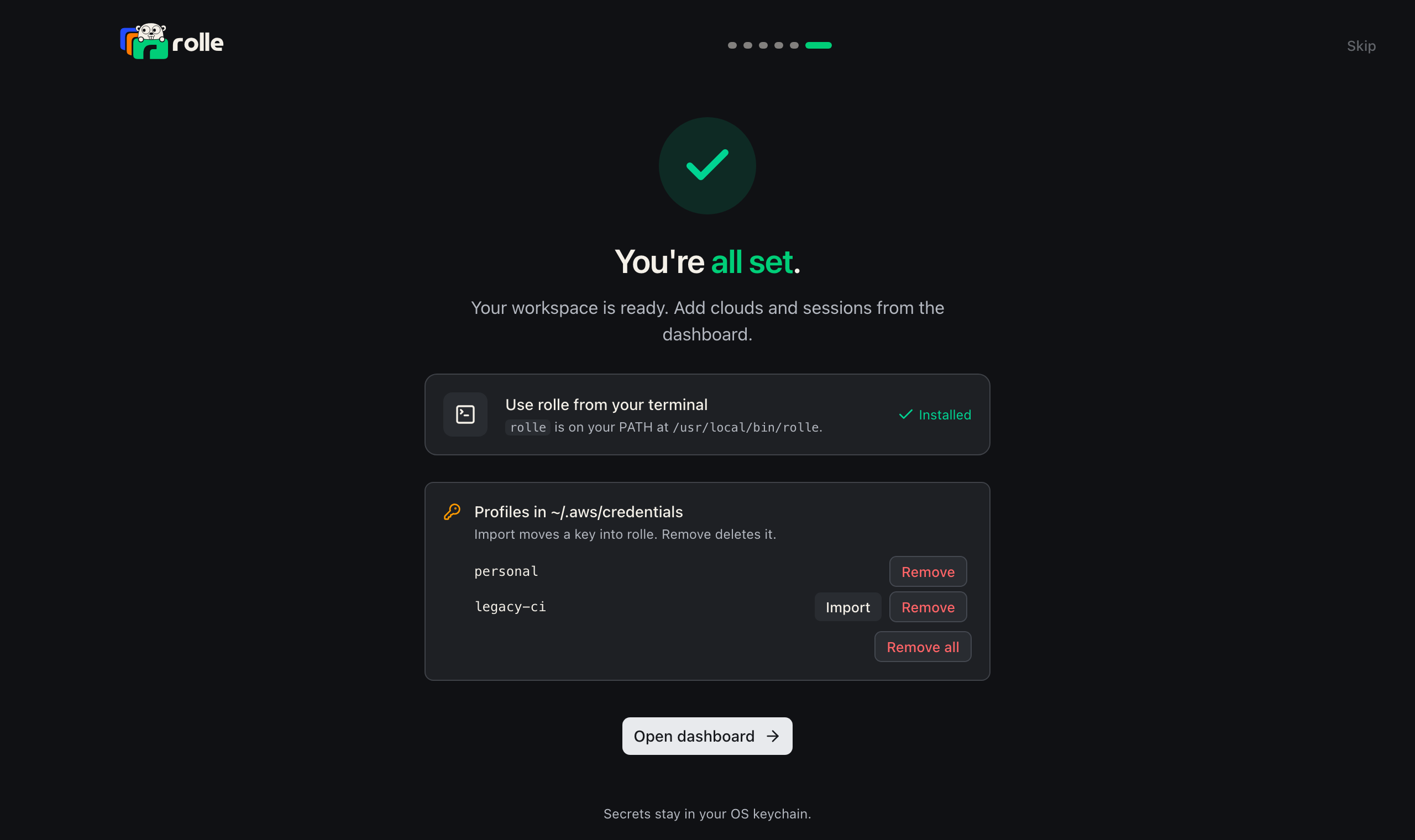
The IAM users group lists each profile of ~/.aws/credentials that holds an access key, with its region and an MFA badge when the ~/.aws/config section sets mfa_serial. A key that a rolle session holds is not listed. Import stores the key in the OS keychain as an IAM user session with the profile’s name and profile, then offers to remove the key from the file. Import all imports every listed key. When the key is removed, rolle serves the profile. When the key stays, the session’s profile shows the amber mark until you remove it.