

Settings
General, Appearance, About, and Advanced settings.
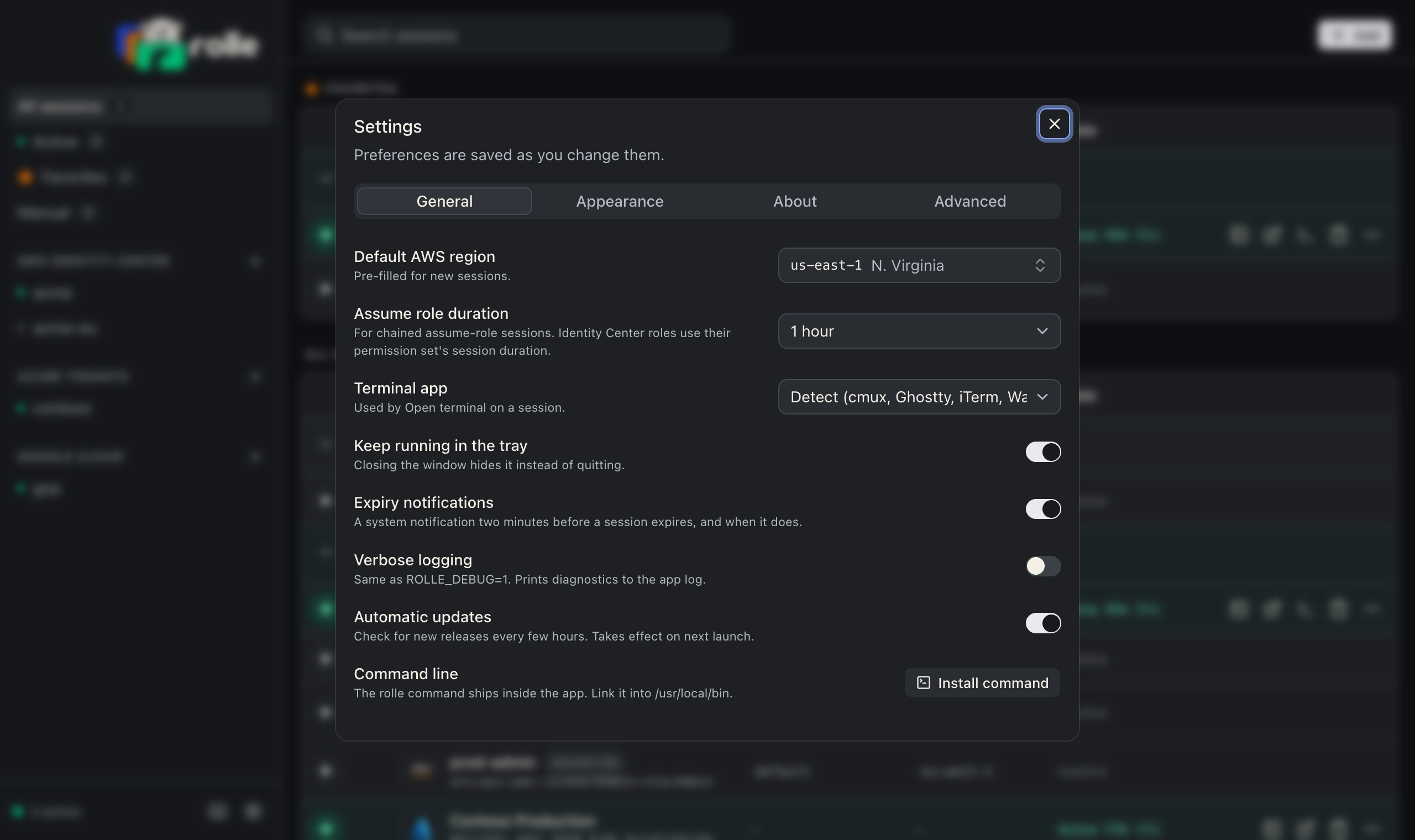
| Tab | Setting | Meaning |
|---|---|---|
| General | Default AWS region | Pre-fills the region for new AWS sessions. us-east-1 by default |
| General | Assume role duration | Requested STS AssumeRole duration in minutes for chained sessions. 60 by default. Identity Center roles use their permission set’s duration instead |
| General | Terminal | Terminal app for Open terminal. Auto-detect by default |
| General | Keep running in the tray | Hide the window on close instead of quitting |
| General | Expiry notifications | System notification two minutes before a session expires and when it does |
| General | Verbose logging | Same as ROLLE_DEBUG=1 |
| General | Automatic updates | Check for a signed update every six hours and install it. Off stops the background check |
| Appearance | Theme | System, light, or dark |
| About | Check for updates | Check now and install a newer version |
| About | Update channel | Stable follows the latest release. Beta follows the newest release including pre-releases |
| Advanced | HTTPS proxy | One proxy for every request. Empty follows HTTPS_PROXY |
| Advanced | Extra CA bundle | PEM file added to the OS trust store, for TLS inspection roots |
| Advanced | Replay onboarding | Runs the onboarding flow again |
| Advanced | Reset | Removes every session, integration, secret, and cached credential |
Settings live in the workspace file and apply to the CLI too.